
- Новости
- ИССЛЕДОВАТЬ
- Businesses
- Reels
- Resources
- Blaque Market
- Offers
-
 Resumé
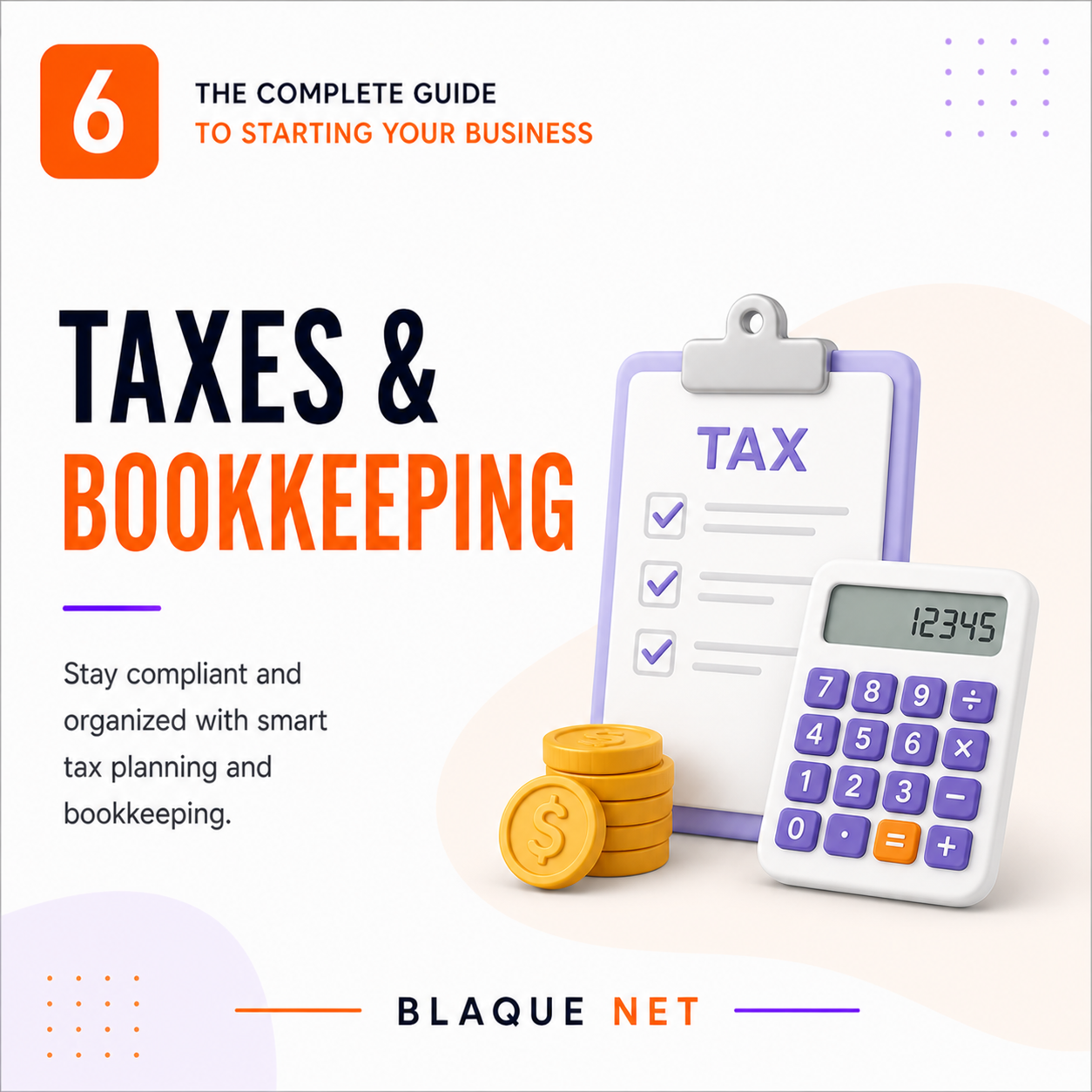
💸 Taxes & Bookkeeping Basics
💸 Taxes & Bookkeeping Basics
The numbers side of business doesn't have to be scary. Know what you owe, track what you spend, and keep more of what you earn.
Why This Section Can Make or Break You
The #2 reason small businesses fail — after running out of cash — is poor financial management. That's not just bad investments. It's forgetting to pay quarterly taxes, mixing personal and business money until everything becomes a mess, missing deductions that would have put thousands back in your pocket, and getting hit with IRS penalties that could have been completely avoided.
You don't need to become an accountant. You need to understand the basics, use the right free tools, and know when to call in a professional.
Bookkeeping 101 — What It Is, Why It's Not Optional
Bookkeeping is simply tracking every dollar that comes into and goes out of your business. That's it. Not complicated — but absolutely not optional. Without it, you can't know if you're actually making money, you can't file taxes accurately, and you can't get a loan or attract investors.
The 4 Financial Statements Every Owner Needs to Understand
Your Monthly Bookkeeping Workflow
Build this habit from month one. It takes about 30–60 minutes per month when done consistently, and it becomes a nightmare if ignored for 6 months.
- Reconcile your bank account — Match every transaction in your accounting software to your bank statement. Make sure nothing is missing or miscategorized.
- Categorize all income and expenses — Accounting software learns your categories over time. Review and approve, don't just let it run unchecked.
- Review your P&L — Is your revenue up or down from last month? Are any expense categories higher than expected? Catch problems early.
- Check accounts receivable — Who hasn't paid you yet? Send reminders for anything past 30 days. Don't let invoices age past 60 days without following up directly.
- Move taxes to savings — Transfer 25–30% of net profit to a dedicated tax savings account. Do this every month, not in one panic payment in April.
- Save and file receipts — Photograph every business receipt using your phone. Use Expensify, Wave receipts, or a simple Google Drive folder. Paper receipts fade and disappear.
Accounting Software — Set It Up Before You Need It
Best free option for early-stage businesses. Connects to bank, auto-categorizes, generates reports. Plenty of power for a solo business under $100K.
Most widely used. Best for businesses that need a CPA — every accountant knows it. Strong reporting, inventory, payroll integration.
Best for freelancers and service businesses. Beautiful invoicing, time tracking, and expense management. Simpler than QuickBooks.
Strong QuickBooks alternative. Popular with startups and businesses with international transactions. Clean, modern interface.
What your software must do: Connect to your business bank and credit card automatically, categorize expenses (review and confirm), generate P&L and cash flow reports on demand, send and track invoices, and allow receipt capture via mobile.
Understanding Your Tax Obligations as a Business Owner
As a business owner, taxes work very differently than as an employee. Here's what you're now responsible for:
Quarterly Estimated Taxes — The Most Common Costly Mistake
Nobody withholds taxes from your business income. You are required to estimate and pay them four times per year. Miss them and the IRS charges penalties and interest — even if you pay your full annual bill in April.
The formula: Estimate your annual profit → Apply your tax rate → Divide by 4 → Pay that amount each quarter.
Simple shortcut: If you paid taxes last year and your income is similar, pay at least 100% of last year's total in four equal installments. This is called the "safe harbor" method and protects you from underpayment penalties.
📅 Key Tax Dates — U.S. Federal
Tax Deductions Most Small Business Owners Miss
One of the biggest financial benefits of business ownership is what you can legally deduct. Every missed deduction is money left on the table.
When to DIY vs. Hire a CPA
- Sole prop, simple income, no employees
- Revenue under ~$50K/year
- Using Wave or QuickBooks consistently
- TurboTax Self-Employed handles most of it
- No complicated deductions or multi-state income
- Revenue consistently above $50K/year
- You have employees or multiple contractors
- Considering an S-Corp election (often saves money at $60K+)
- Multiple income streams or states
- You've received any IRS correspondence
- You have inventory or complex deductions
Note on S-Corp election: When your business profits exceed roughly $60,000/year, electing S-Corp status can save you significant self-employment taxes. This is one of the top reasons to get a CPA consultation — the tax savings often far exceed the cost of advice.
Payroll Basics — When You Hire Your First Person
The moment you bring on a W-2 employee (not a contractor), you take on payroll responsibilities. Do not try to manage this manually. Use payroll software from day one.
- Gusto — Most popular for small businesses, automatic tax filings (~$40/month + per employee)
- QuickBooks Payroll — Best if you already use QuickBooks for accounting
- ADP — Larger businesses, more features
Your responsibilities as an employer: withhold federal/state income tax, withhold and match Social Security and Medicare, file quarterly 941 reports with the IRS, provide W-2s by January 31. Payroll software handles all of this automatically.
Contractor vs. Employee: The IRS has strict rules. Misclassifying an employee as a contractor is a serious violation with large penalties. If you control how, when, and where work is done — they're likely an employee, not a contractor. When in doubt, consult a CPA.
✅ Your Section 6 Checklist
No personal expenses run through this account. Ever. Business only.
Connected it to my business bank account and credit card.
Required for bank accounts, hiring, filing taxes, and business credit. Free at irs.gov.
Transferring 25–30% of every profit dollar here automatically each month.
Added April 15, June 16, September 15, and January 15 to my calendar with reminders.
Photograph every receipt immediately. Saved to a folder or an expense app.
Home office, mileage, software, marketing, professional development, health insurance.
Know whether my products or services require sales tax collection in my state.
Even one session early saves more than it costs. SCORE financial advisors are free.
Reconcile accounts, review P&L, check receivables, move tax savings. Calendar blocked.
🎯 Quick-Scan Summary
- Separate business and personal finances from Day One — no exceptions
- Use accounting software (Wave is free) connected to your bank from the start
- Set aside 25–30% of every profit dollar in a dedicated tax savings account — monthly
- Pay estimated taxes quarterly (April, June, September, January) or face IRS penalties
- Review your P&L every single month — not once a year
- Track every deductible expense — home office, mileage, software, training, health insurance
- Get a CPA once you're consistently over ~$50K — the savings pay for it many times over
- If you hire employees, use payroll software from day one — never manually manage this
Last Updated: April 2026 · Part 6 of 10 · Blaque Net Start Your Business Series

 Russian
 English
 Arabic
 French
 Spanish
 Portuguese
 Deutsch
 Turkish
 Dutch
Dutch
 Italiano
 Romaian
 Portuguese (Brazil)
 Greek
Greek