
- Notizie
- EXPLORE
- Businesses
- Reels
- Resources
- Blaque Market
- Offers
-
 Resumé
⚙️ Operations, Tools & Systems
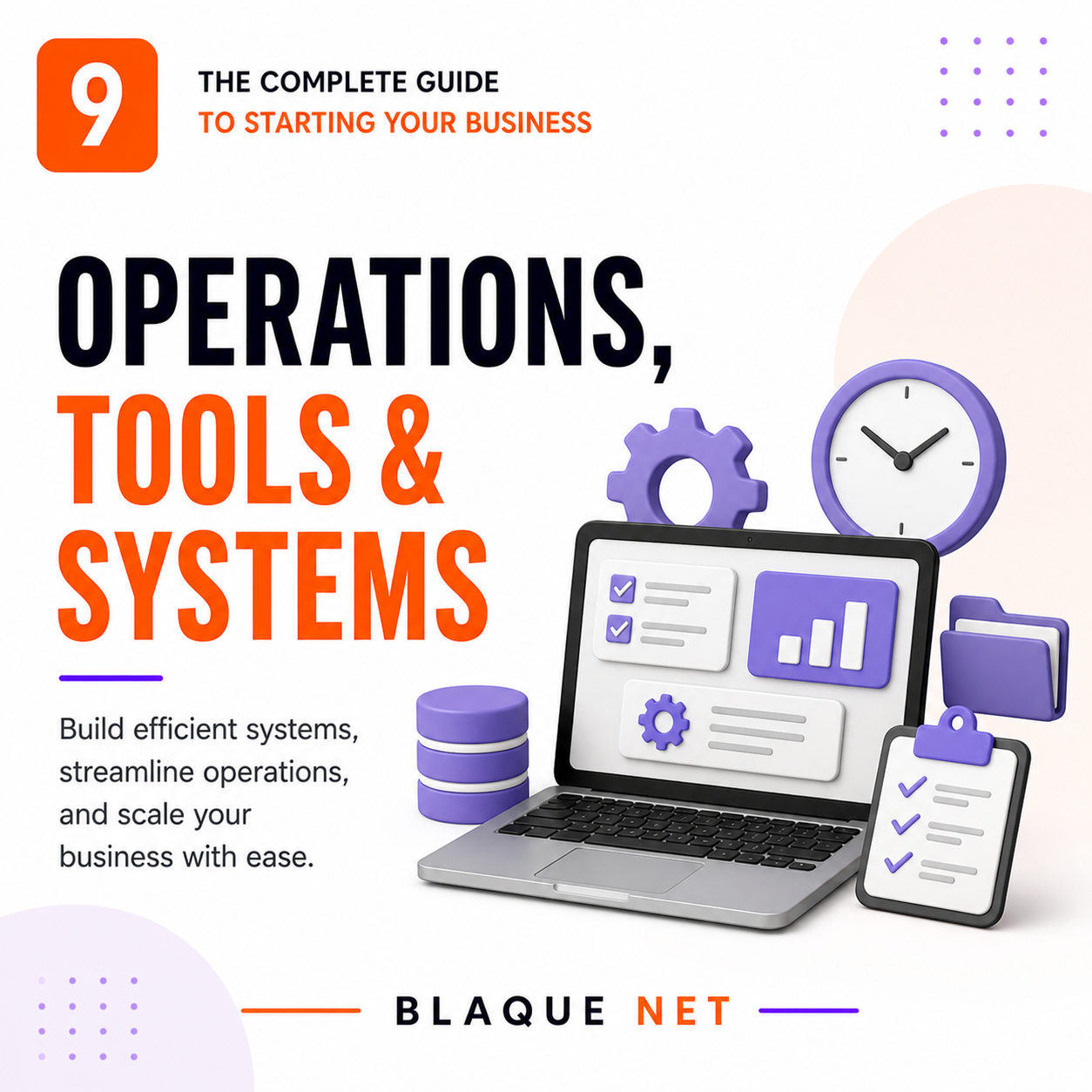
⚙️ Operations, Tools & Systems
The right tools keep you efficient, professional, and scalable. Start lean — only add what you actually need. Over-tooling before revenue is an expensive distraction.
The Operations Principle: Systems Beat Willpower
The difference between a business owner who is constantly overwhelmed and one who runs things smoothly almost always comes down to systems. A system is a documented, repeatable way of doing something so the outcome is consistent regardless of your energy level, mood, or memory on a given day.
Every time you do something more than twice in your business, ask: "How do I turn this into a system so I don't have to think about it from scratch every time?" That mindset is how solo founders deliver like teams — and how teams deliver like companies twice their size.
Your Core Tool Stack — Organized by Function
📋 Project Management & Task Tracking
Most versatile option — tasks, docs, time tracking, goals, and automations in one tool. Free tier is generous. Scales well as your team grows. Slight learning curve but worth it.
Clean, intuitive task and project management. Excellent for managing client deliverables and team projects. Free for up to 15 users. Great if you prefer simplicity over power.
Visual kanban board — great for simple workflows and visual thinkers. Free forever for basic use. Best for businesses with straightforward, linear project flows.
Combines docs, databases, wikis, and project tracking. Excellent for knowledge management and SOPs. Many founders use it as their complete business operating system.
🎯 CRM — Customer & Contact Management
Free forever for core CRM features. Contact management, deal pipeline, email tracking, meeting scheduling, and basic automation — all free. Scales to paid plans as your sales operation grows.
Strong free tier for up to 3 users. More customizable than HubSpot. Good for businesses with complex, multi-stage sales pipelines or needing deep integration with other Zoho products.
Built specifically for freelancers and creative service businesses. CRM + contracts + invoices + scheduling + client portals in one. ~$19/month. Excellent for service-based businesses wanting an all-in-one client management system.
Similar to HoneyBook — powerful workflow automation for service businesses. Questionnaires, contracts, invoicing, and scheduling. ~$20/month. Steeper learning curve but more customizable.
💬 Communication & Team Collaboration
Standard for internal team communication. Organized by channels, integrates with almost every tool. Free tier retains 90 days of history. Paid (~$7.25/user/month) for full history and advanced features.
Gmail, Drive, Docs, Sheets, Meet, Calendar — the complete productivity suite. ~$6/user/month for Business Starter. Worth every dollar for the integrated ecosystem alone. Your professional email lives here.
Video meetings, webinars, and client calls. Free tier allows 40-minute meetings for groups. Paid ($15/month) for unlimited meeting time. Still the most widely used and expected by clients.
Eliminates the back-and-forth of scheduling. Share a link — clients book directly in your available times. Free tier for one event type. Game-changer for service businesses and consultants.
🎨 Design & Content Creation
The non-designer's design tool. Social graphics, presentations, proposals, business cards, print materials, video clips — all in one browser-based tool. Free tier is powerful; Pro (~$15/month) adds brand kits, background removal, and premium templates.
Adobe's answer to Canva. Strong integration with Adobe's ecosystem. Good alternative or companion to Canva, especially if you have Adobe Creative Cloud for other tools.
Record your screen + face and share a link instantly. Game-changer for client walkthroughs, internal training, async communication, and onboarding documentation. Free for up to 25 videos.
Photoshop, Illustrator, Premiere, InDesign — the professional standard. ~$55/month for all apps. Only invest here if you're doing high-level design or video work regularly. Otherwise, Canva handles most needs.
🔐 Security & Password Management
Best-in-class password manager for businesses. ~$4/user/month. Secure password sharing with team members, breach alerts, secure document storage. This is a $4/month habit that protects everything you've built.
Open-source password manager — free for individuals, ~$3/month for business teams. Excellent security track record. Good alternative to 1Password if budget is tight.
Two-factor authentication app. Enable 2FA on every business account: bank, email, accounting software, social media. 2FA stops the vast majority of account takeover attempts cold.
Free service to check if your email or business domain has appeared in a known data breach. Check all your business emails regularly at haveibeenpwned.com.
Building Your Client Delivery System
However you deliver your product or service needs to be consistent, documented, and repeatable. A client delivery system ensures every customer gets the same quality experience — regardless of your stress level on a given day.
- Lead capture and intake — How does a new prospect enter your system? (Website form, Calendly booking, referral, DM) Document this and make sure it flows into your CRM automatically.
- Onboarding sequence — What happens in the first 24 hours after a client signs? Welcome email, intake questionnaire, contract, first meeting scheduled. Template everything.
- Delivery workflow — Step-by-step of how you produce and deliver your work. What tools, what process, what quality checkpoints. Written down so someone else could follow it.
- Communication cadence — How often do you update clients? What format? This prevents clients from feeling ignored and prevents you from getting buried in ad-hoc check-in requests.
- Completion and offboarding — How do you close out a project? Final delivery, feedback request, review ask, offboarding email, and the referral ask all happen here.
- Follow-up sequence — 30, 60, and 90 days after project completion, a check-in email goes out. This is where repeat business and referrals come from — and it's fully automatable.
Website Essentials — What You Actually Need
Your website doesn't need to be fancy. It needs to be clear, fast, and functional. These are the non-negotiables:
- Homepage: Who you are, who you help, what outcome you deliver — in 10 seconds of reading
- Services/Products: Exactly what you offer and at what price (or how to get a price)
- About: Your story, credentials, and why you're the right choice
- Contact: A form, your email, your location (if relevant), and your booking link
- Privacy Policy + Terms: Required by law and by every payment processor
- Squarespace (~$16/month) — Best for visual brands, portfolios, and product businesses. Beautiful templates, easy to manage.
- WordPress + Elementor — Most powerful and flexible. More learning curve. Best for content-heavy sites or businesses needing full customization.
- Wix (~$17/month) — Easy drag-and-drop. Good for simple service sites. Less powerful than WordPress.
- Shopify (~$29/month) — Purpose-built for e-commerce. Best if selling physical or digital products with inventory management.
Social Media Management — Work Smarter
Schedule posts across all platforms. Free for 3 channels. Best for straightforward scheduling without complex analytics needs.
More powerful than Buffer. Better analytics and team features. ~$99/month. Worth it once your social strategy is established and you need performance data.
Best for Instagram and TikTok planning. Visual calendar and auto-publishing. Free for 1 profile per platform.
✅ Your Section 9 Checklist
All tasks, client deliverables, and deadlines tracked in one place — not in my head or inbox.
HubSpot free tier minimum. Every prospect and client has a record. Follow-up dates logged.
No Gmail.com or Yahoo.com for business — this signals professionalism before a single word is read.
Eliminates scheduling back-and-forth. Clients book directly in my available slots.
Simple step-by-step documents. Enough for someone else to follow. Living docs that improve over time.
Every business account uses a unique, strong password stored securely. Not the same password everywhere.
Bank, email, accounting software, social media, domain registrar. This stops most account takeovers.
Homepage, Services, About, Contact, Privacy Policy, Terms of Service. Mobile-friendly and fast-loading.
Intake → onboarding → delivery → completion → follow-up. Documented and at least partially automated.
~$30–75/month. Required by most clients and landlords. One lawsuit without it can end the business.
🎯 Quick-Scan Summary
- Systems beat willpower — document every repeated process so the outcome is consistent regardless of your energy that day
- Core stack: project management + CRM + professional email + scheduling tool. Start here before anything else.
- Security is not optional: password manager + 2FA on every critical account. A breach costs more than your tool budget for years.
- Your website needs 5 things: clear homepage, services page, about, contact, and required legal docs
- Build a client delivery system from intake to offboarding — consistency is how you scale beyond yourself
- Tool creep kills productivity and burns budget. Only add a tool when the pain of not having it exceeds the cost of setting it up.
- Start with free tiers on everything. Upgrade only when you're genuinely hitting the limits — not before.
Last Updated: April 2026 · Part 9 of 10 · Blaque Net Start Your Business Series
Build Smarter with the Right Tools. 🛠️
Business Buddy can recommend the exact stack for your business type, stage, and budget — in a conversation, not a generic list.
Open Business Buddy →
 Italiano
 English
 Arabic
 French
 Spanish
 Portuguese
 Deutsch
 Turkish
 Dutch
Dutch
 Russian
 Romaian
 Portuguese (Brazil)
 Greek
Greek